 Closed beta
Harnest
A CRM for sales teams: leads, calls and deals in one place. After a customer call you record what was agreed and create a task: who owns the next step and by what day.
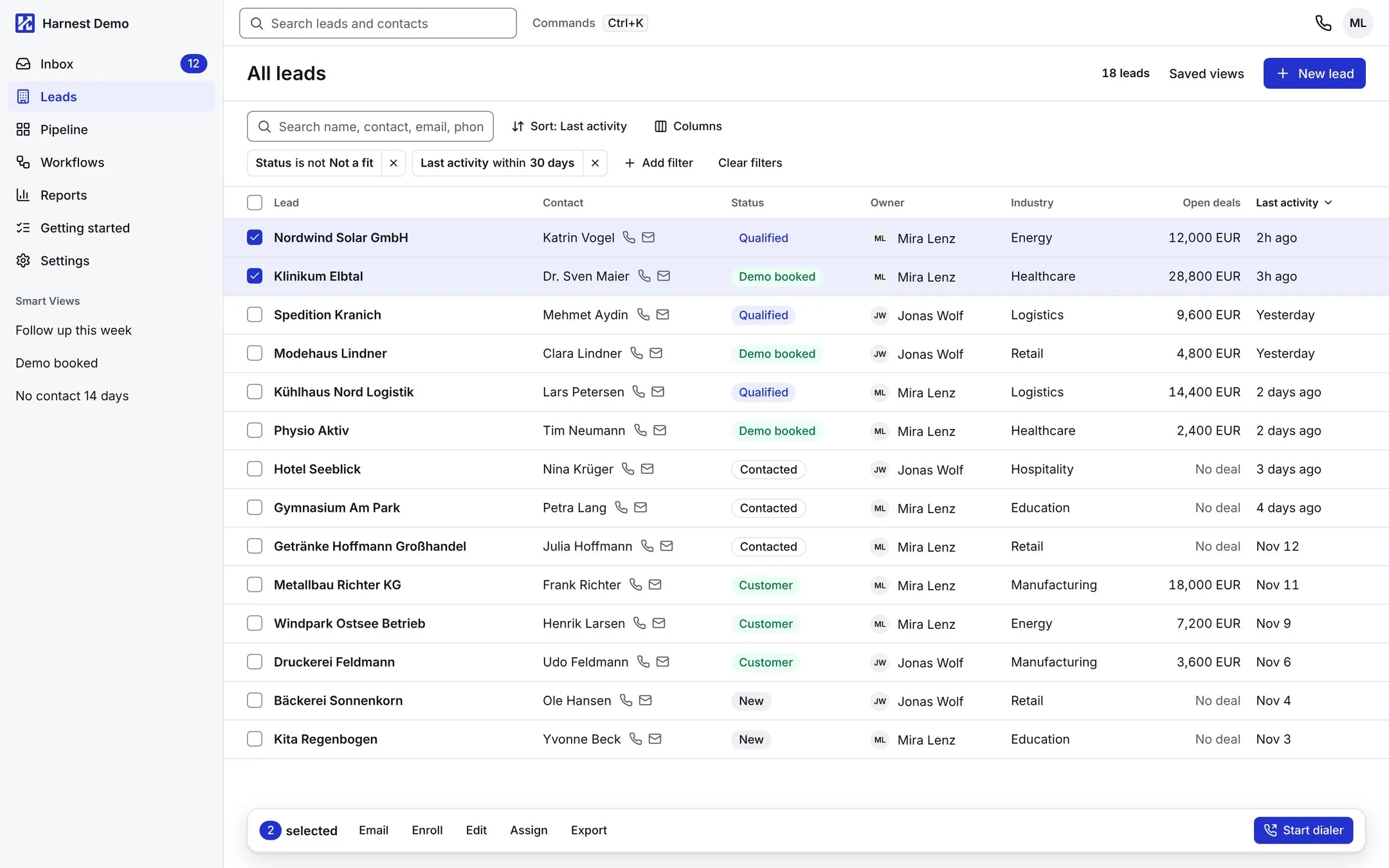
A CRM for sales teams.
Every call ends with a task
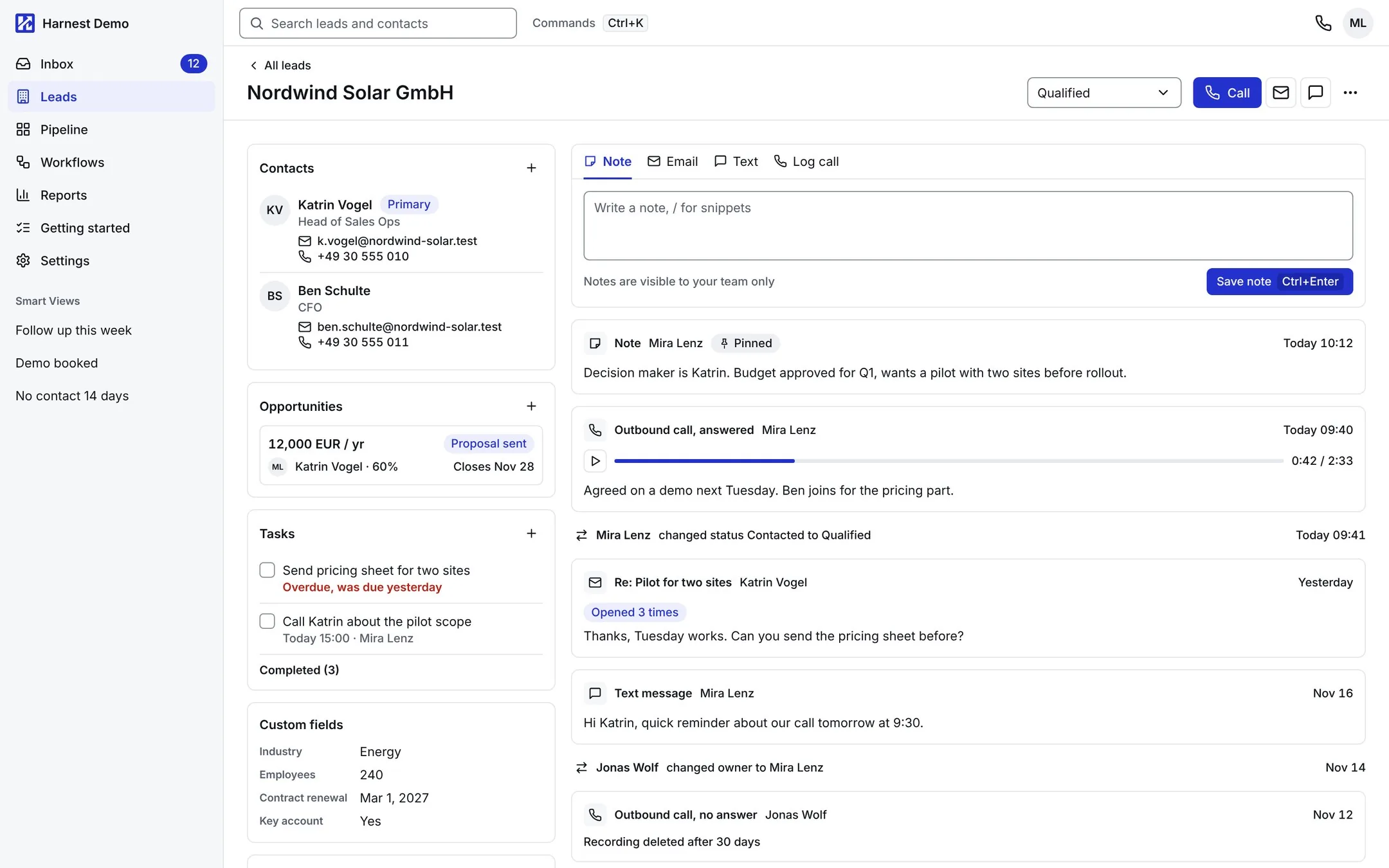
After a call the rep adds a note to the lead card and creates a task with a date. If a colleague picks up the deal, the calls, emails and agreements are already there.
Send the proposal on Thursday. Pilot for two sites first.
What it looks like
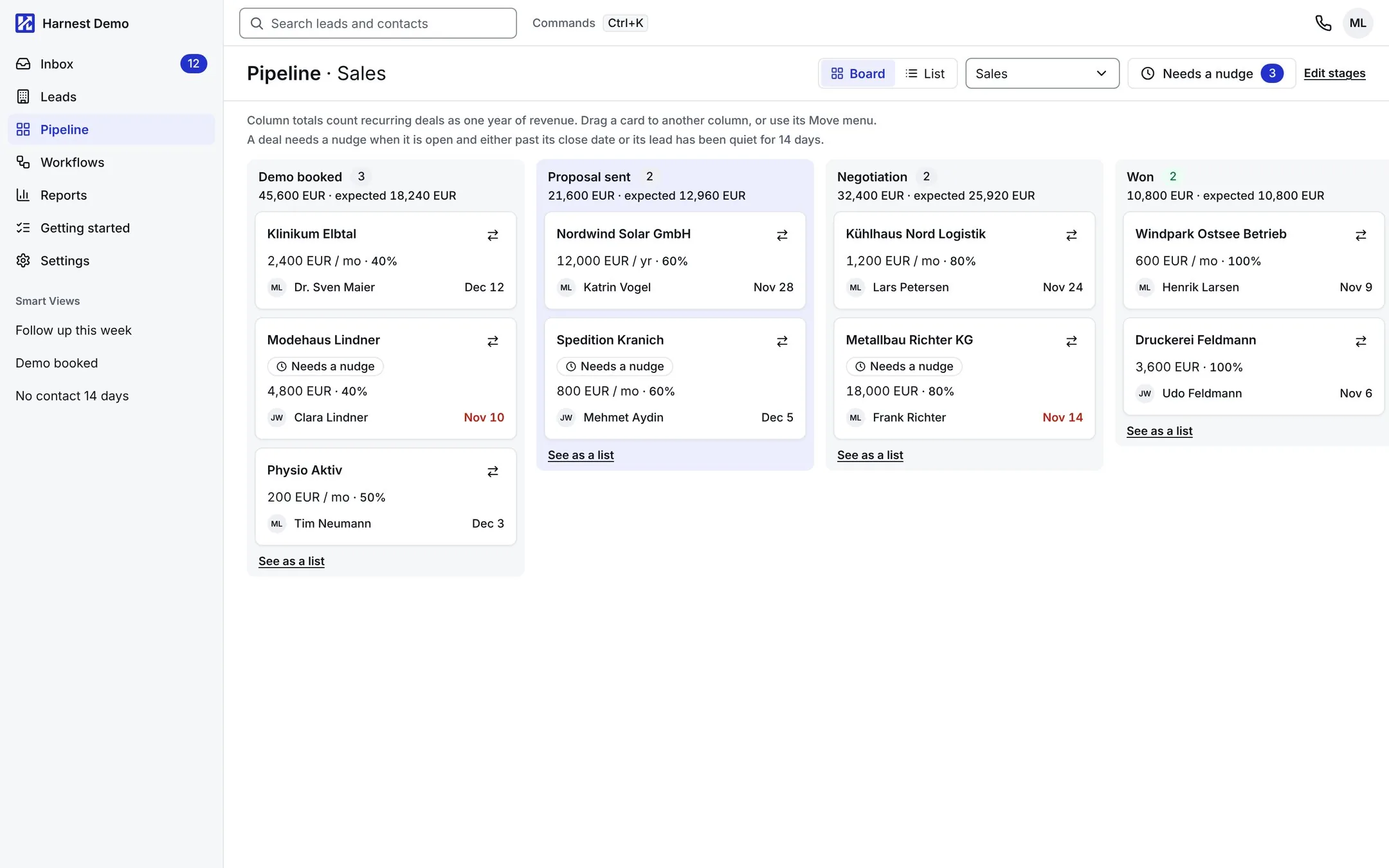
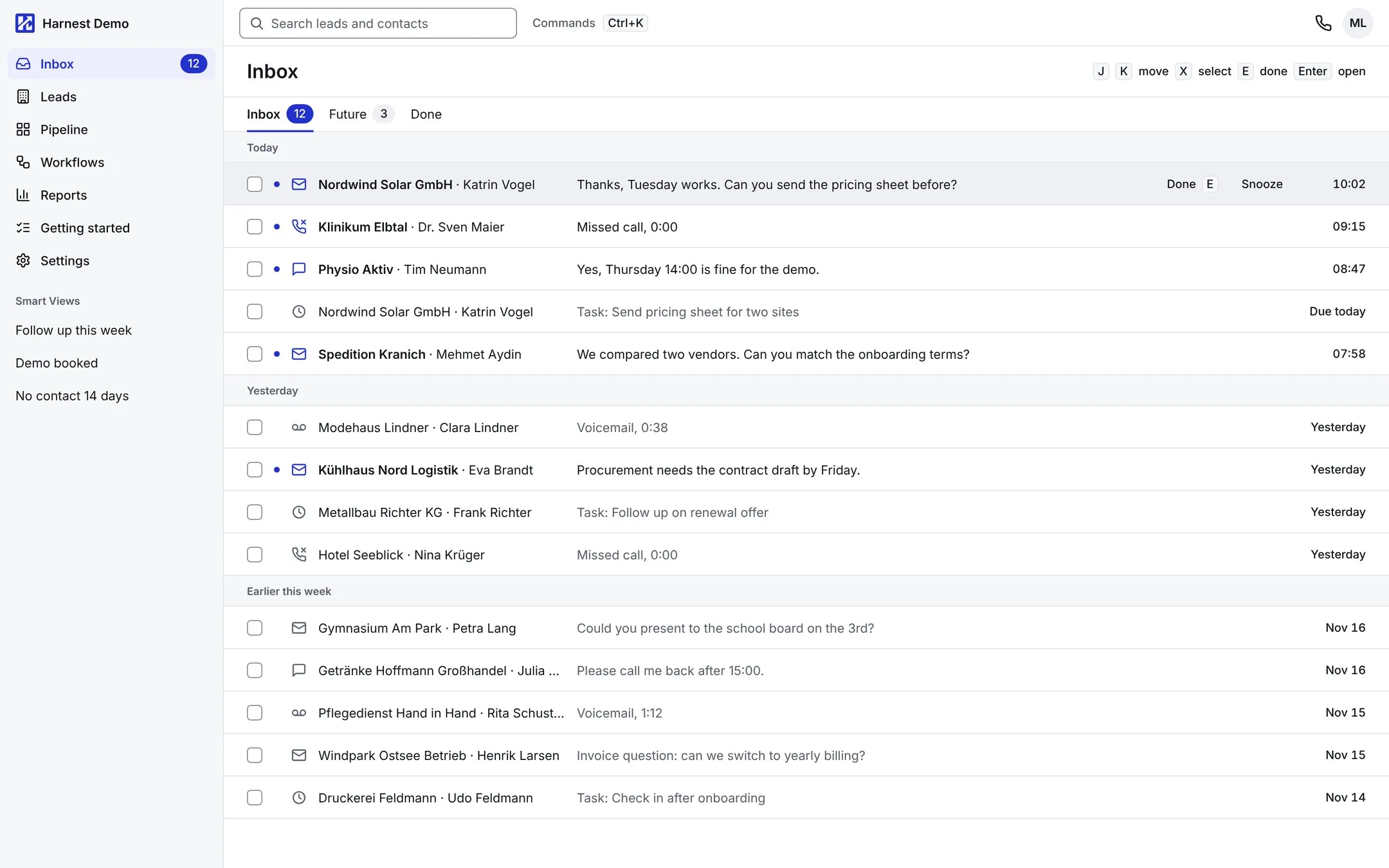
Screens from the design, filled with a demo account: the companies and people in it are made up. The interface is in English and Russian.
The details
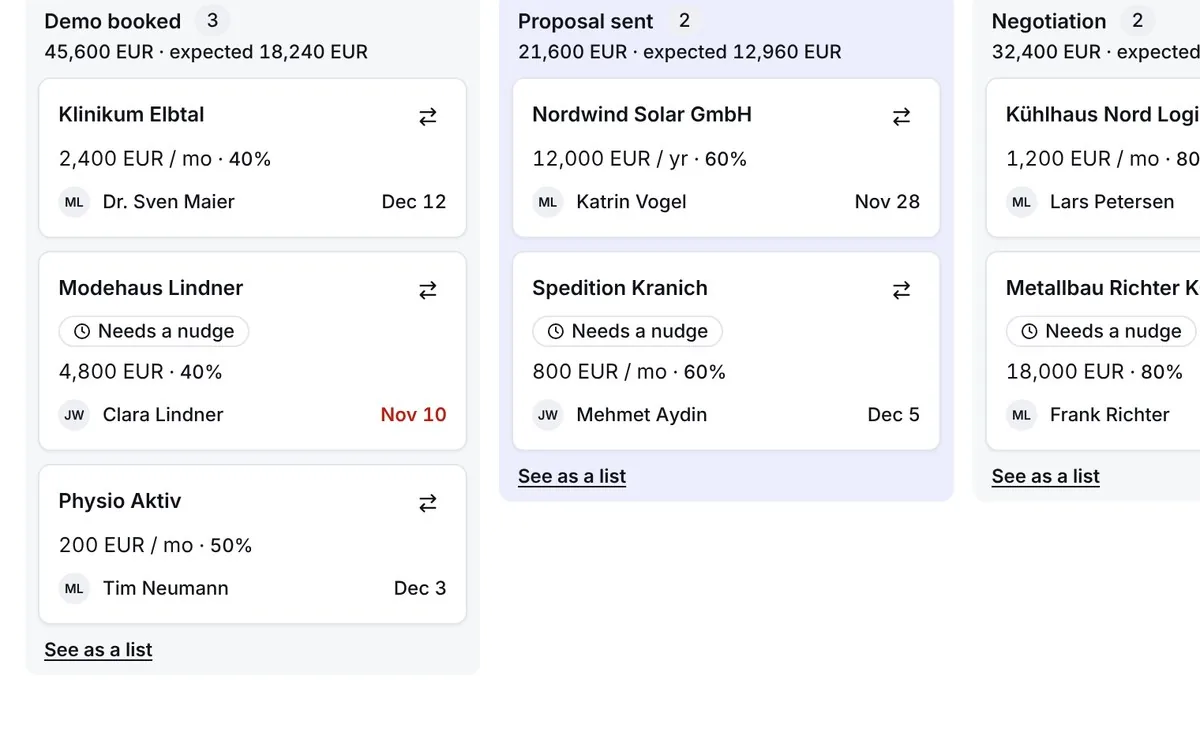
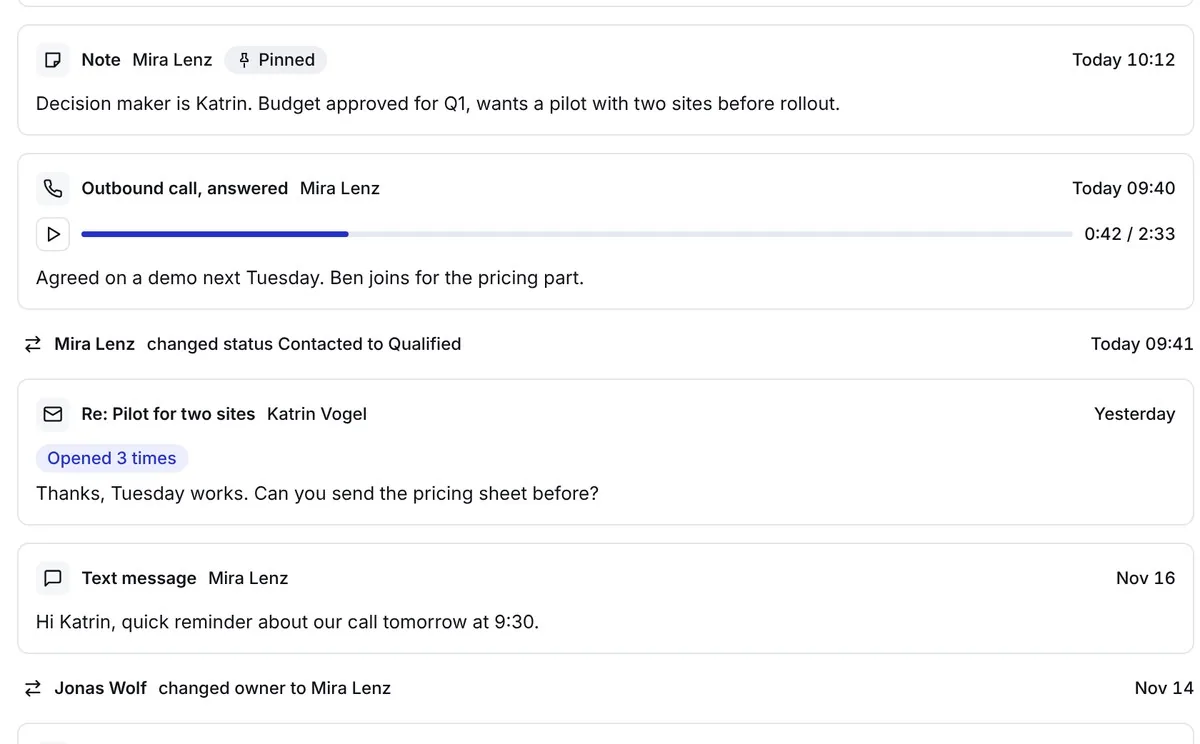
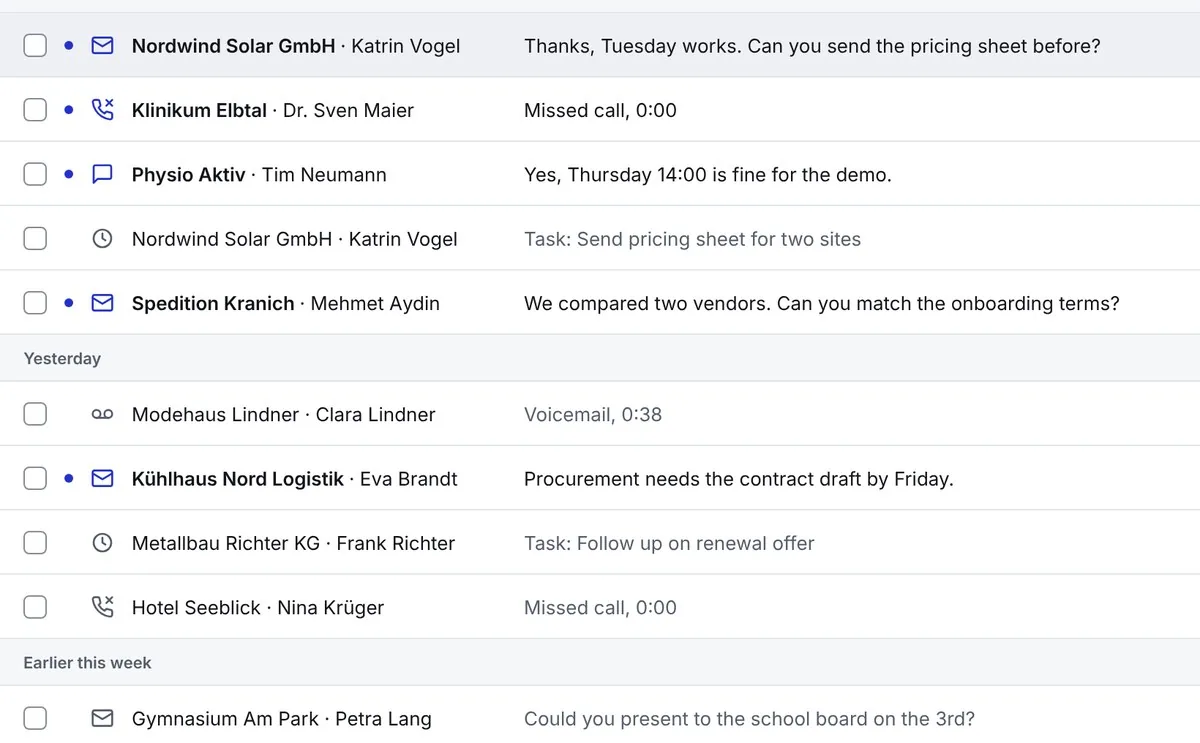
Cut from the same screens, at full size.
What comes with Harnest
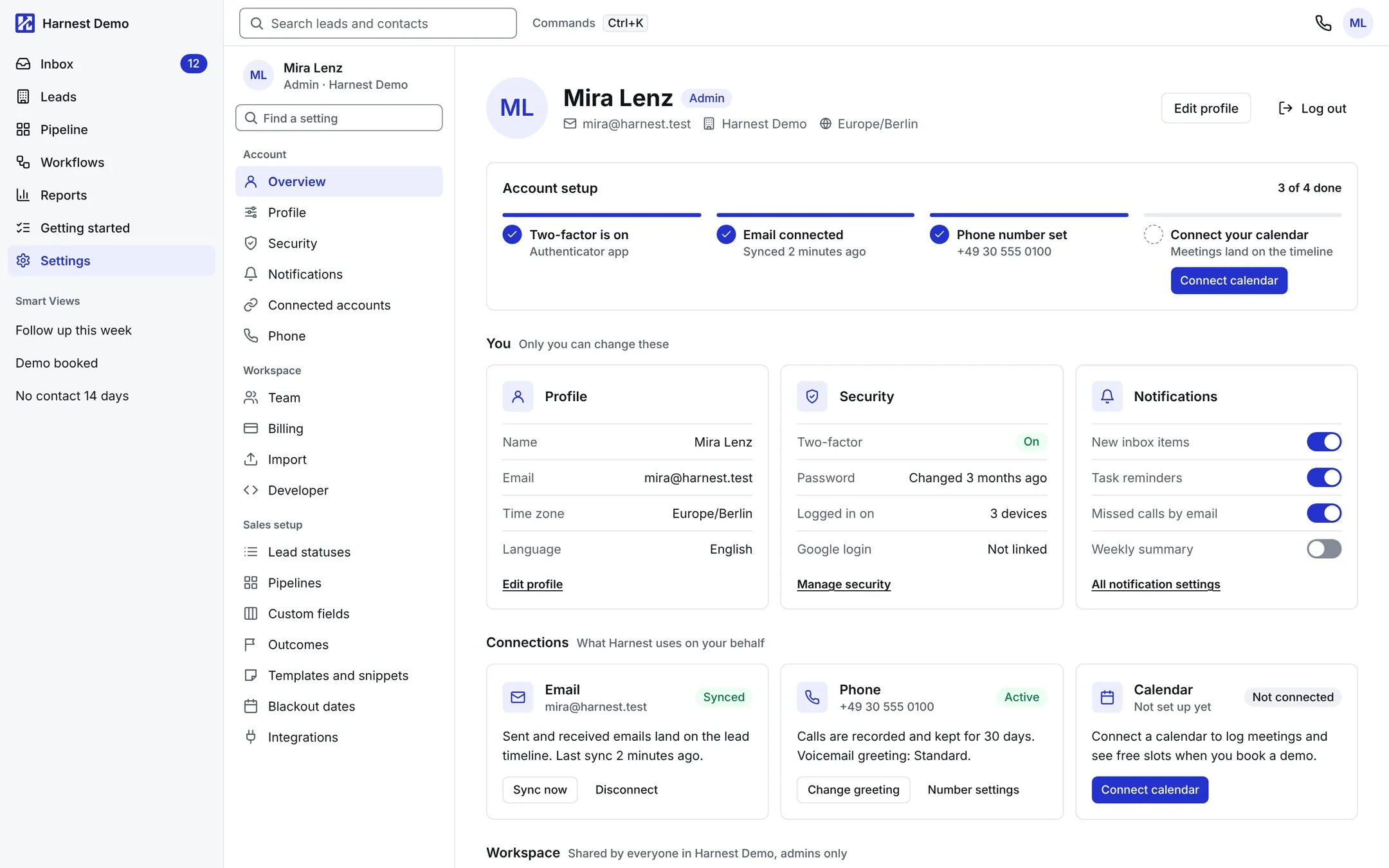
A lead card with contacts, calls, emails, notes, tasks and deals
Calls from the browser, with a recording and the outcome in the same card
A call queue from saved lists, from one lead to the next
A pipeline board by stage, with a filter for deals that have stalled
A Google or Microsoft work mailbox, with email in the context of the lead
Email templates and sequences of emails and tasks
An inbox worked from the keyboard: done, snooze, next
A daily email with the tasks for today and the deals that need attention
Leads imported from a CSV file
Team, security and billing in the workspace settings
All screens on this page come from the design with a demo account; the companies and people in it are made up.
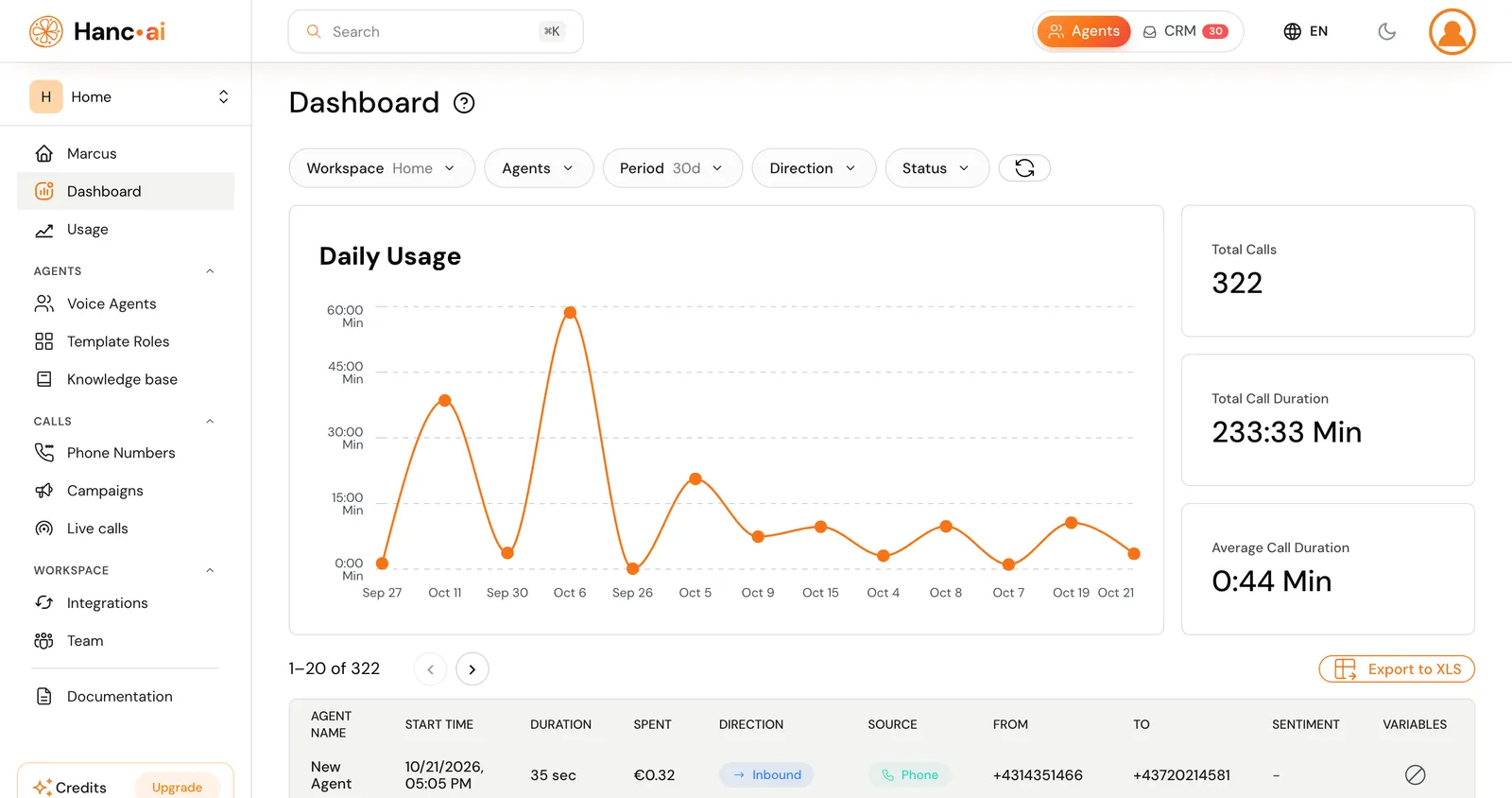
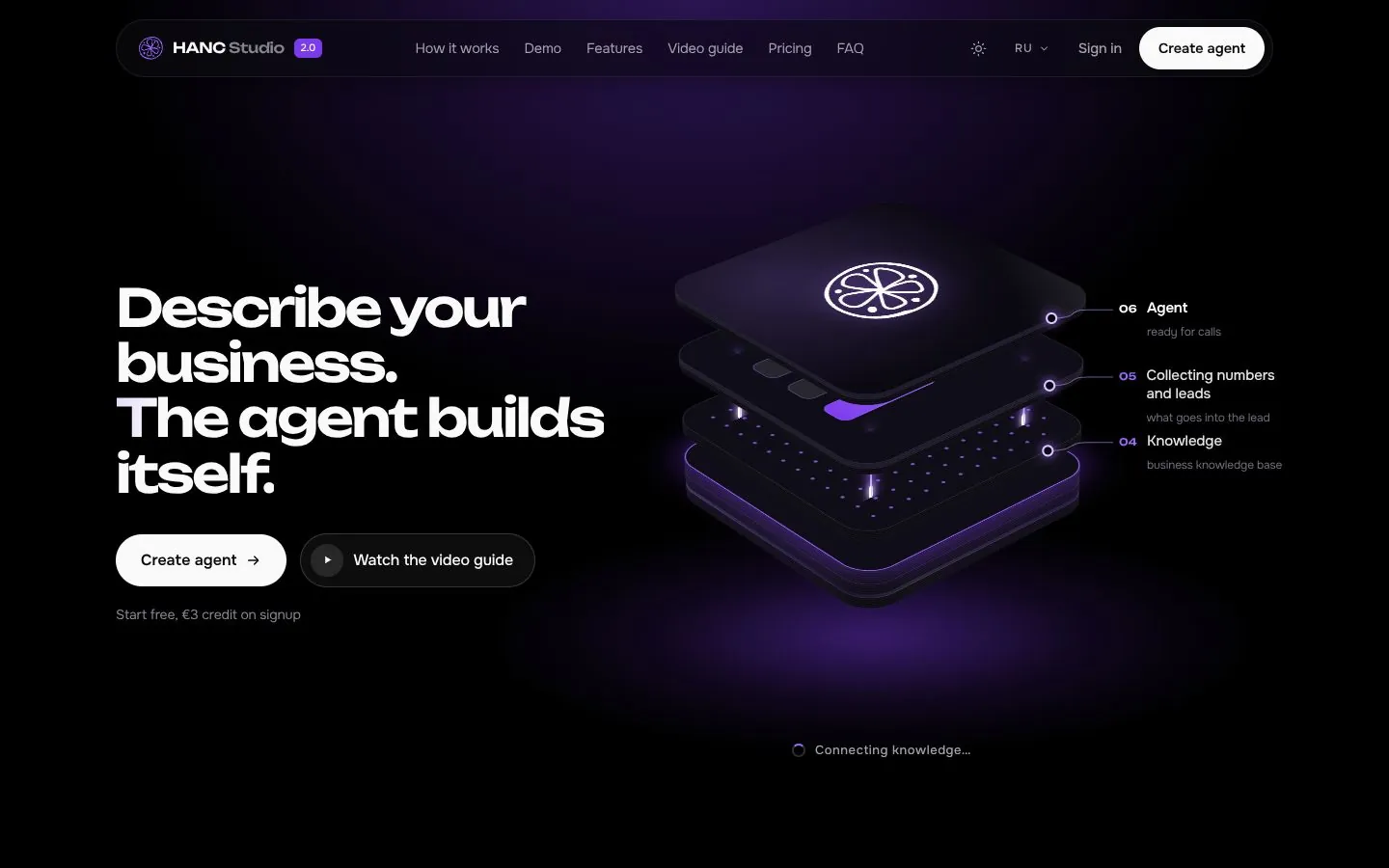
More work
See all work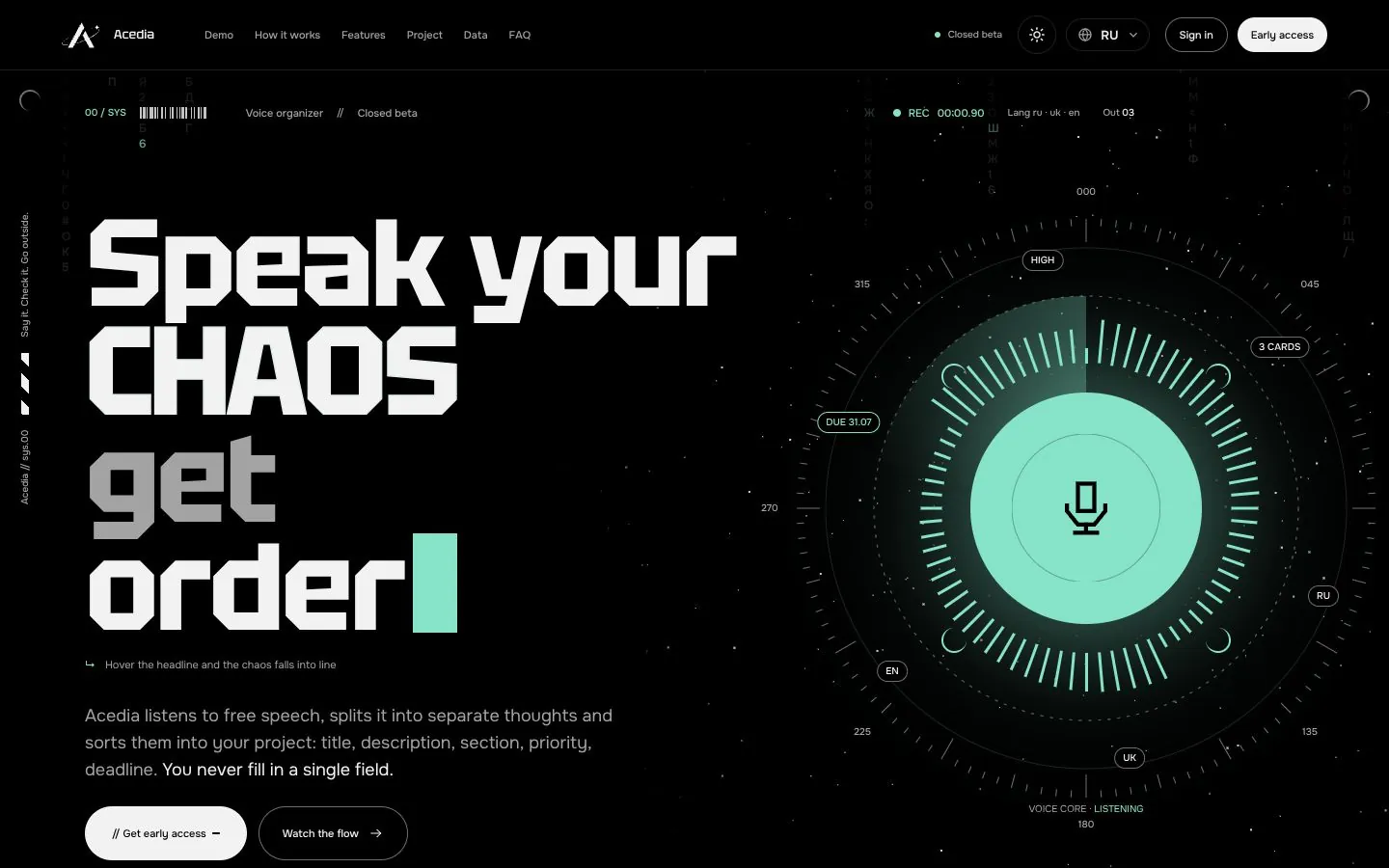
Your project next.
Tell us what should happen and who it is for. A short brief takes three steps, and the answer comes within a day – from the people who would build it.