One recording becomes several independent cards. Duplicates are merged, and filler words never reach a card.
 Closed beta
Acedia
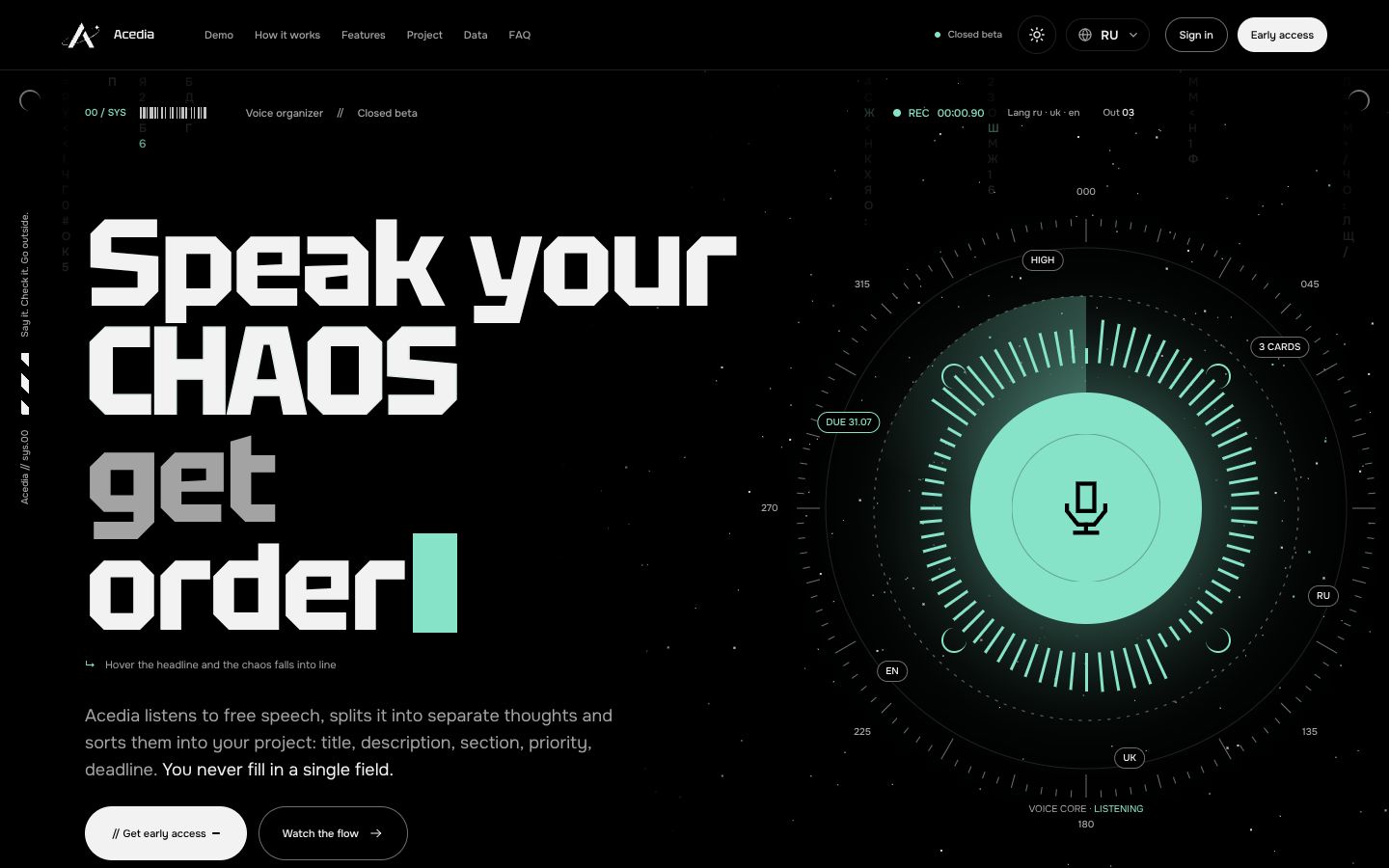
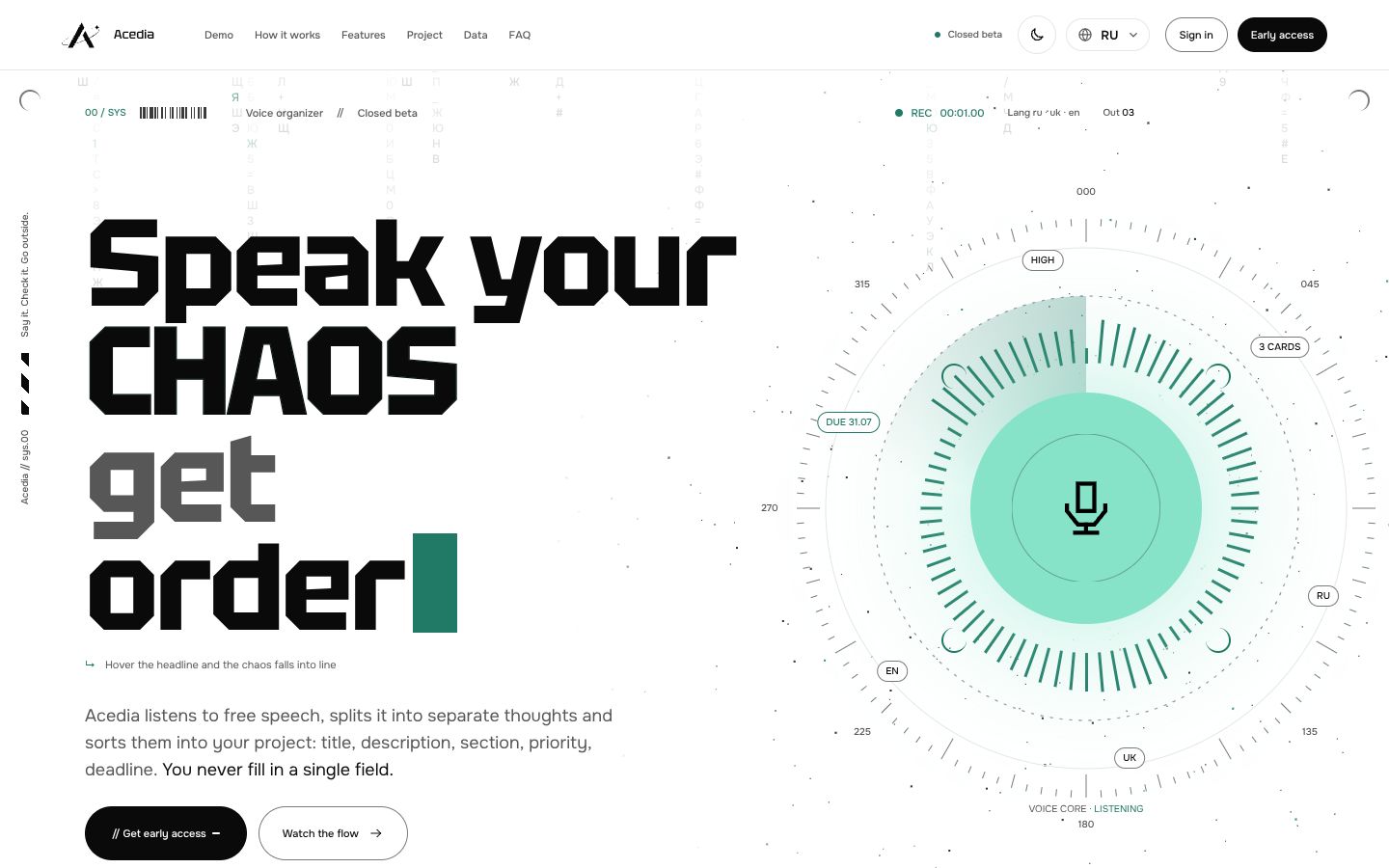
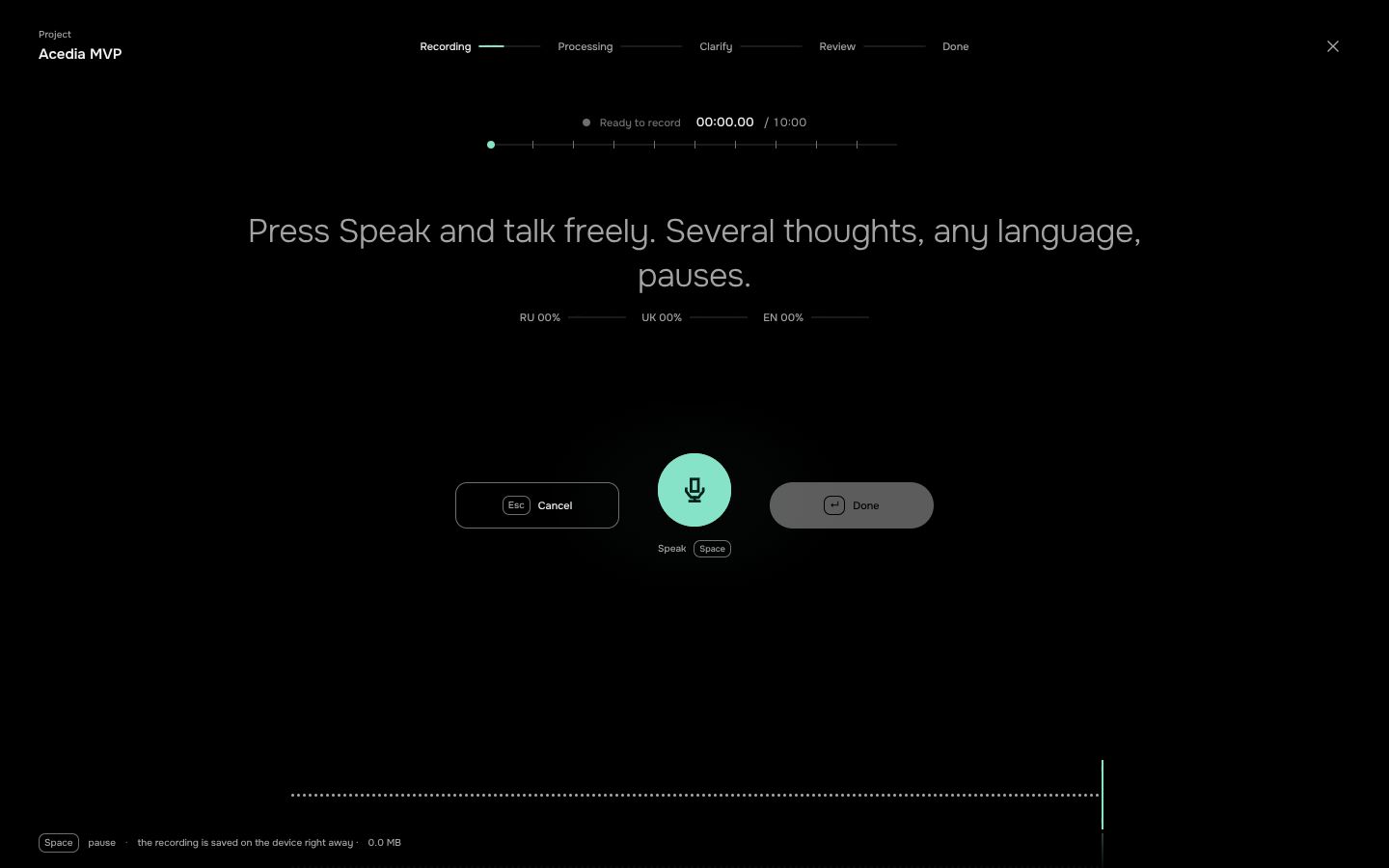
Speak your chaos, get order. Say it in your own words – Acedia splits the speech into separate thoughts and files them as cards: title, section, priority, deadline. It also sits in your Google Meet call, records it, writes out who said what, and turns what was agreed into tasks. You do not fill in a single field.
BrowserWindowsAndroidmacOSiOS
Platforms
Where it runs
Where Acedia works and where to open it.
How it hears you
Speech in, cards out
Free speech on the left, the cards Acedia files on the right: title, section and deadline, in the order they were said.
need to look at organizer competitors by Friday
separately, think about TikTok ads
and the name could be Acedia
competitor analysis is urgent
move the call with Ilya to Wednesday
check July metrics, something is off with retention
Analyze competitorsFRI 31.07Analysis
Plan TikTok promotionNo due dateAds
Lock in the name AcediaNo due dateNames
Move the call with Ilya to WednesdayWED 05.08Priorities
Look into July retentionNo due dateAnalysis
From the design board
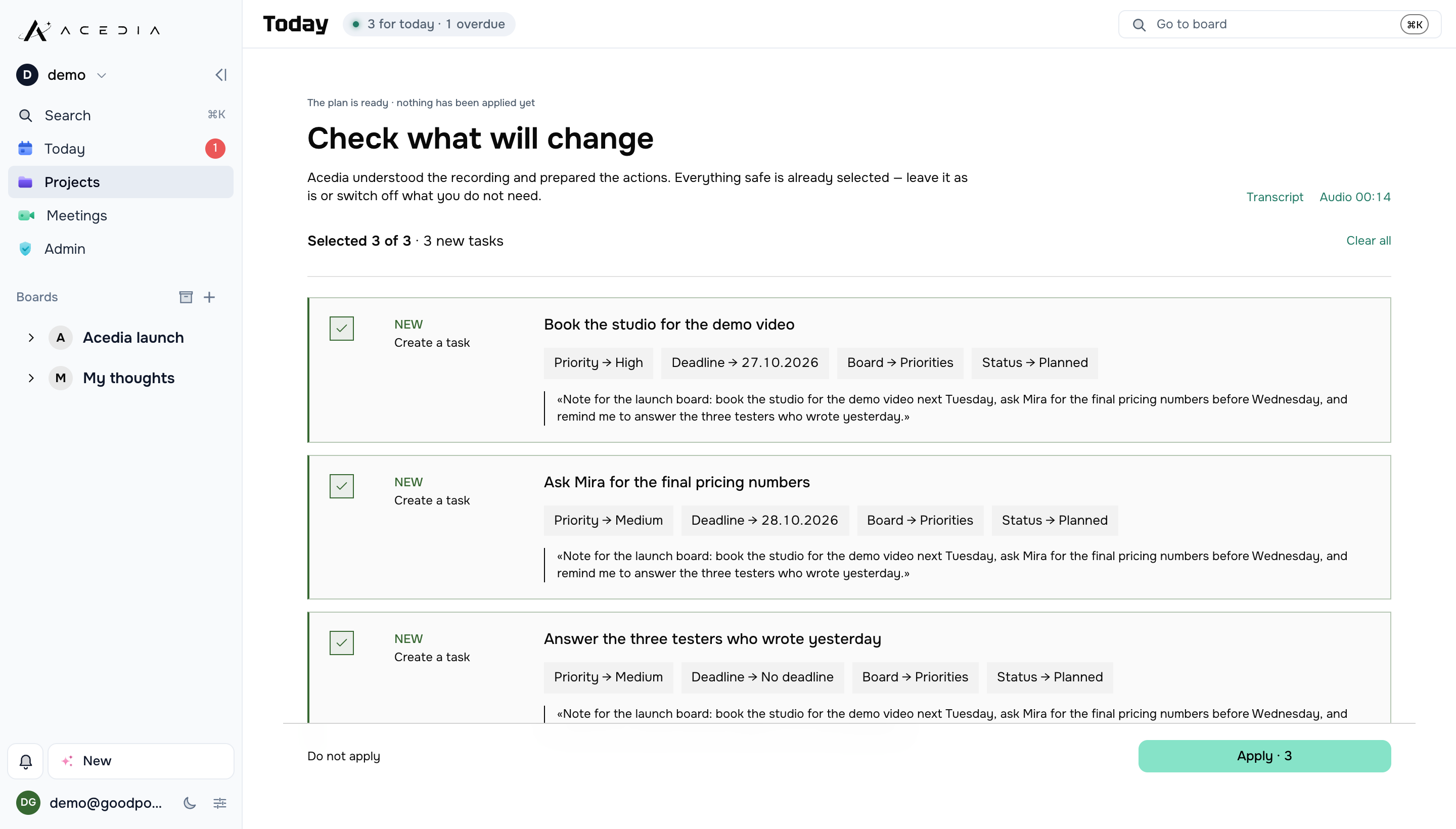
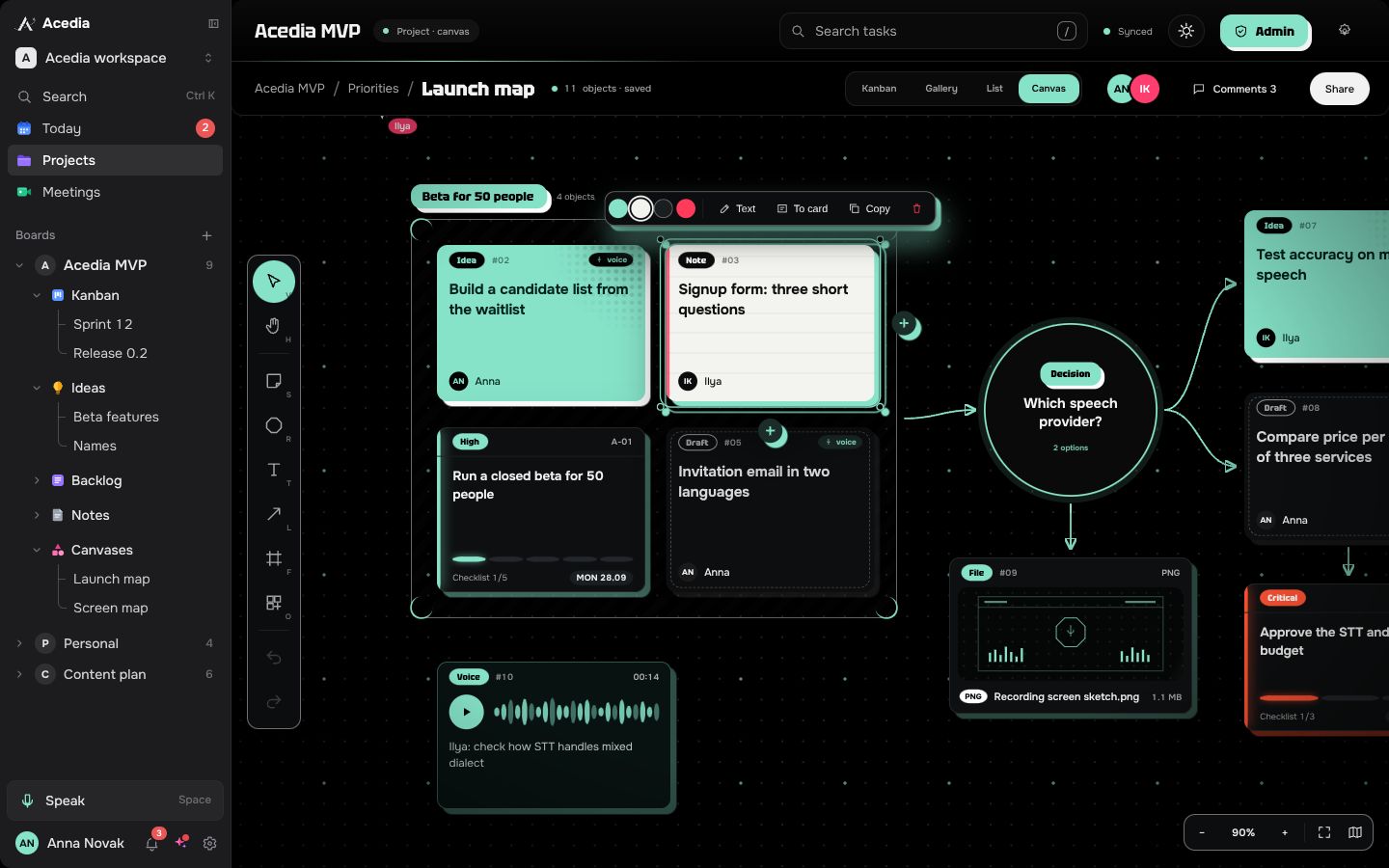
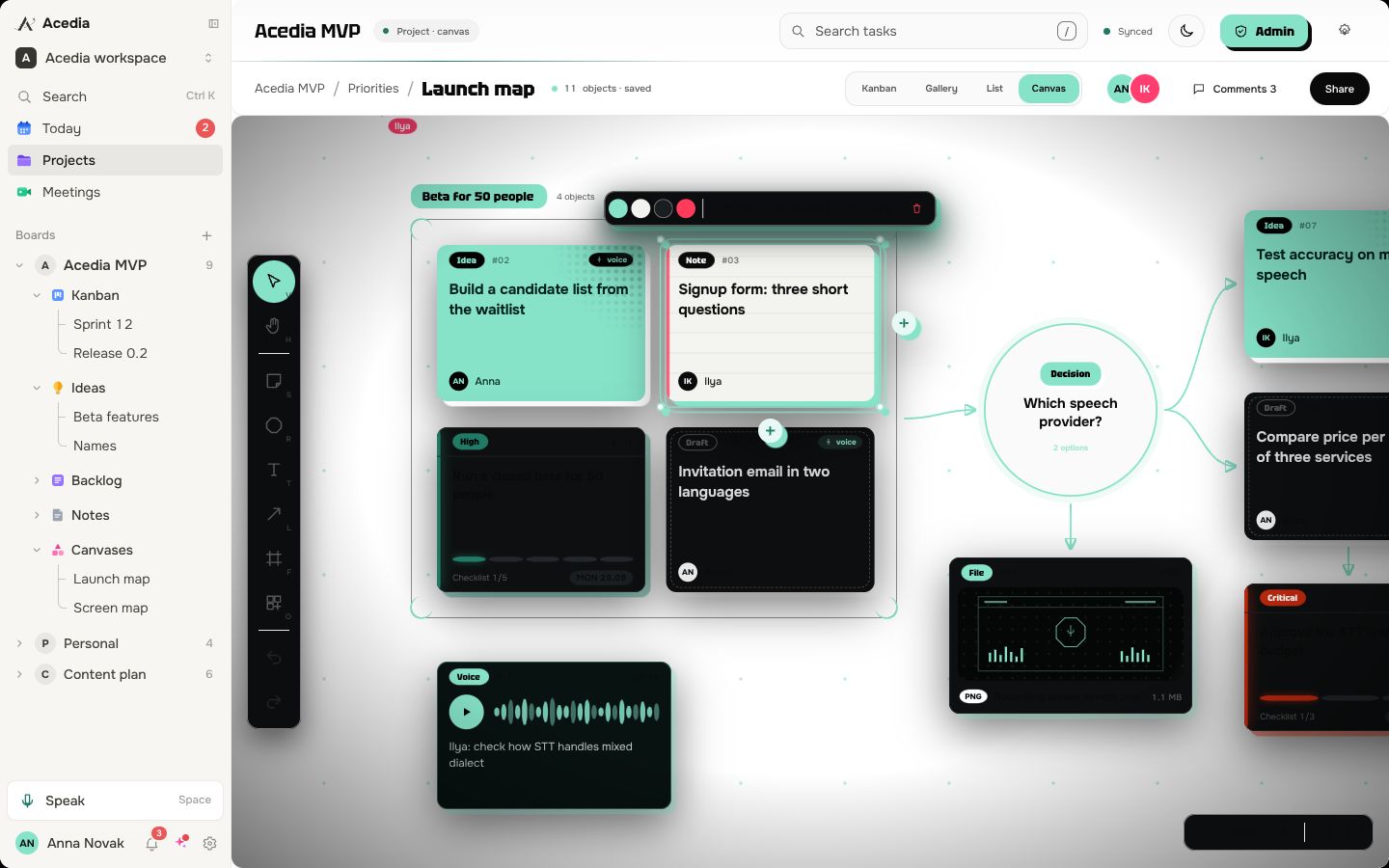
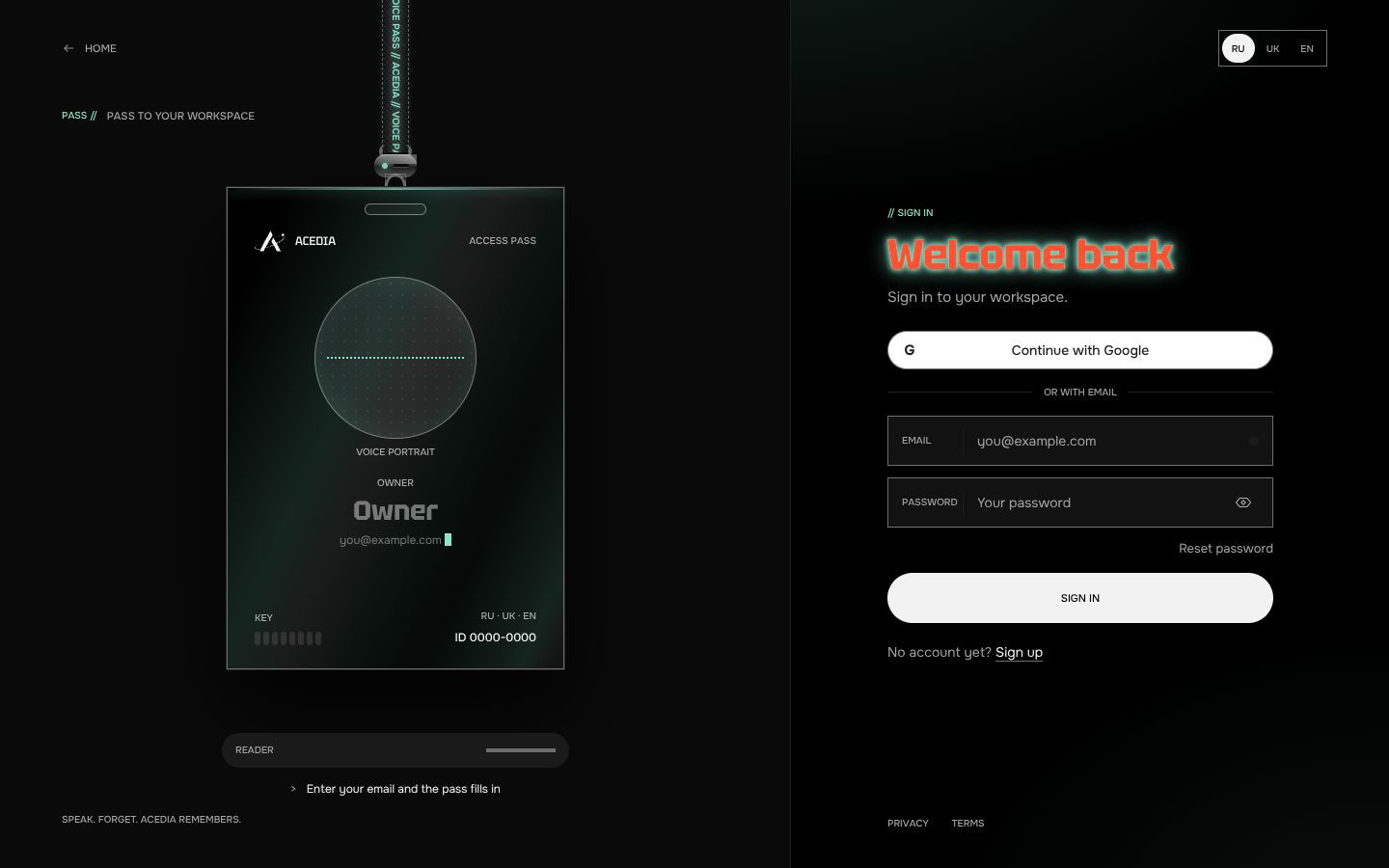
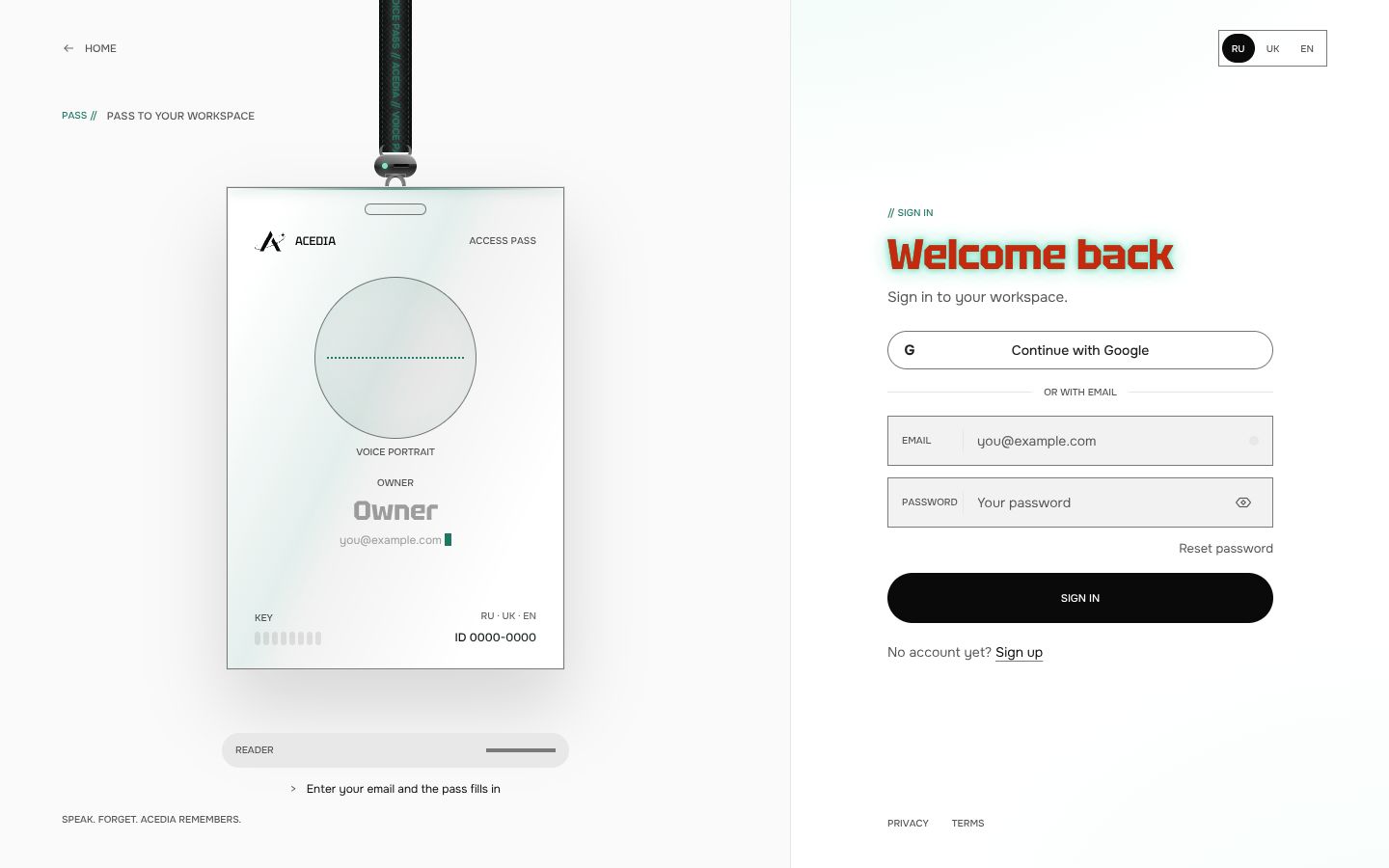
The screens, one by one
Pick a screen on the right. Where the design has both themes, the switch in the header turns the screens dark or light.
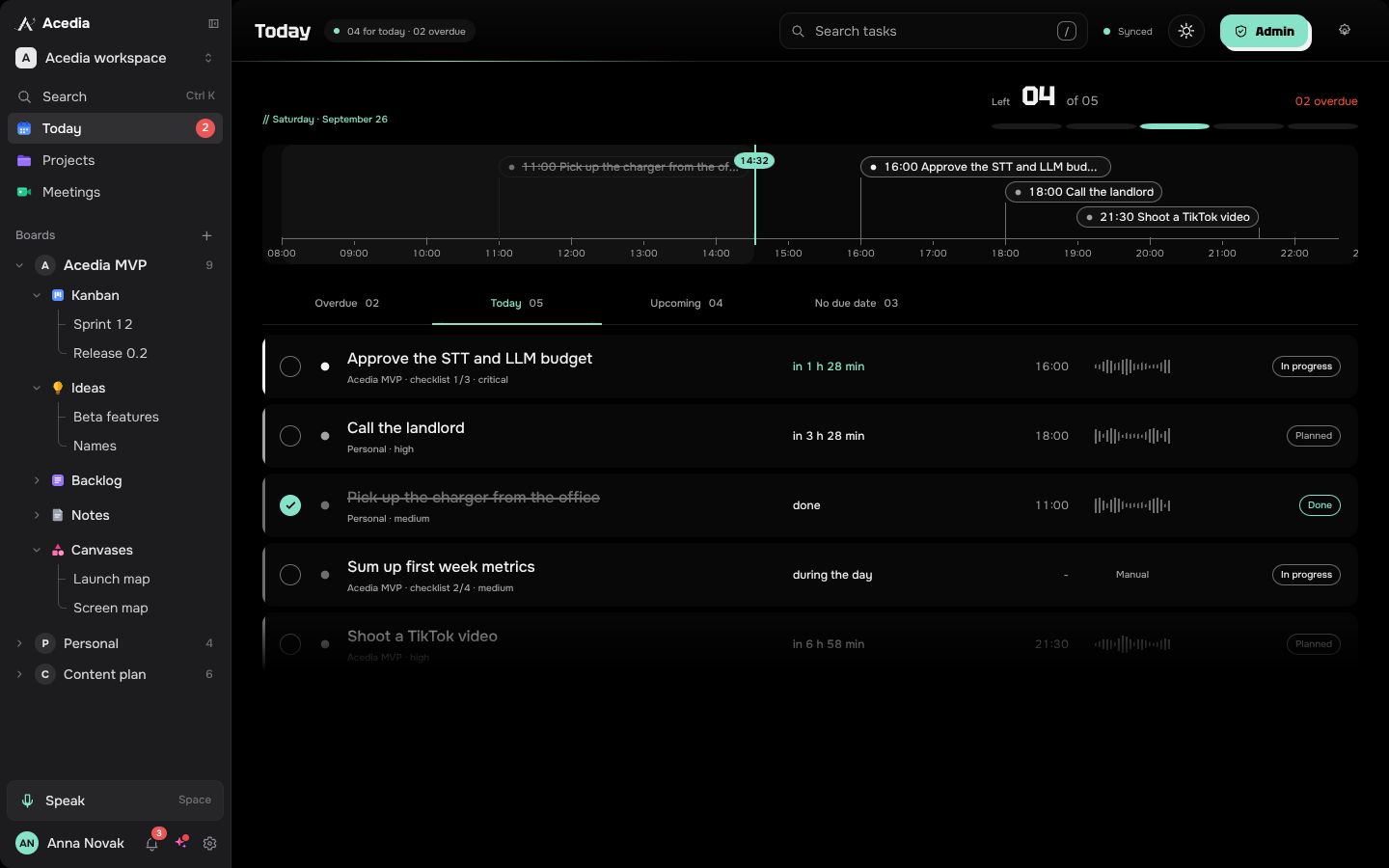
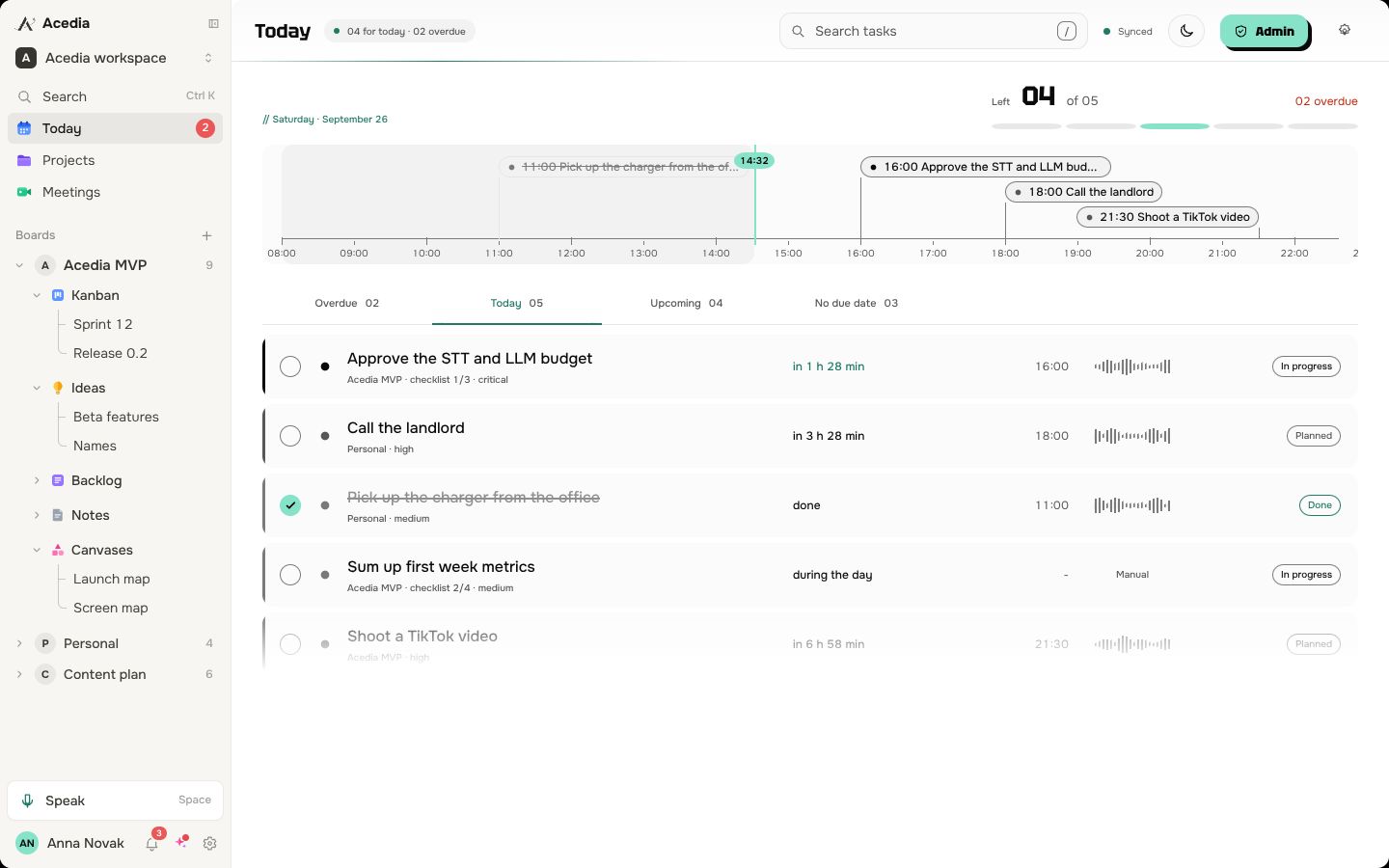
Whole boards
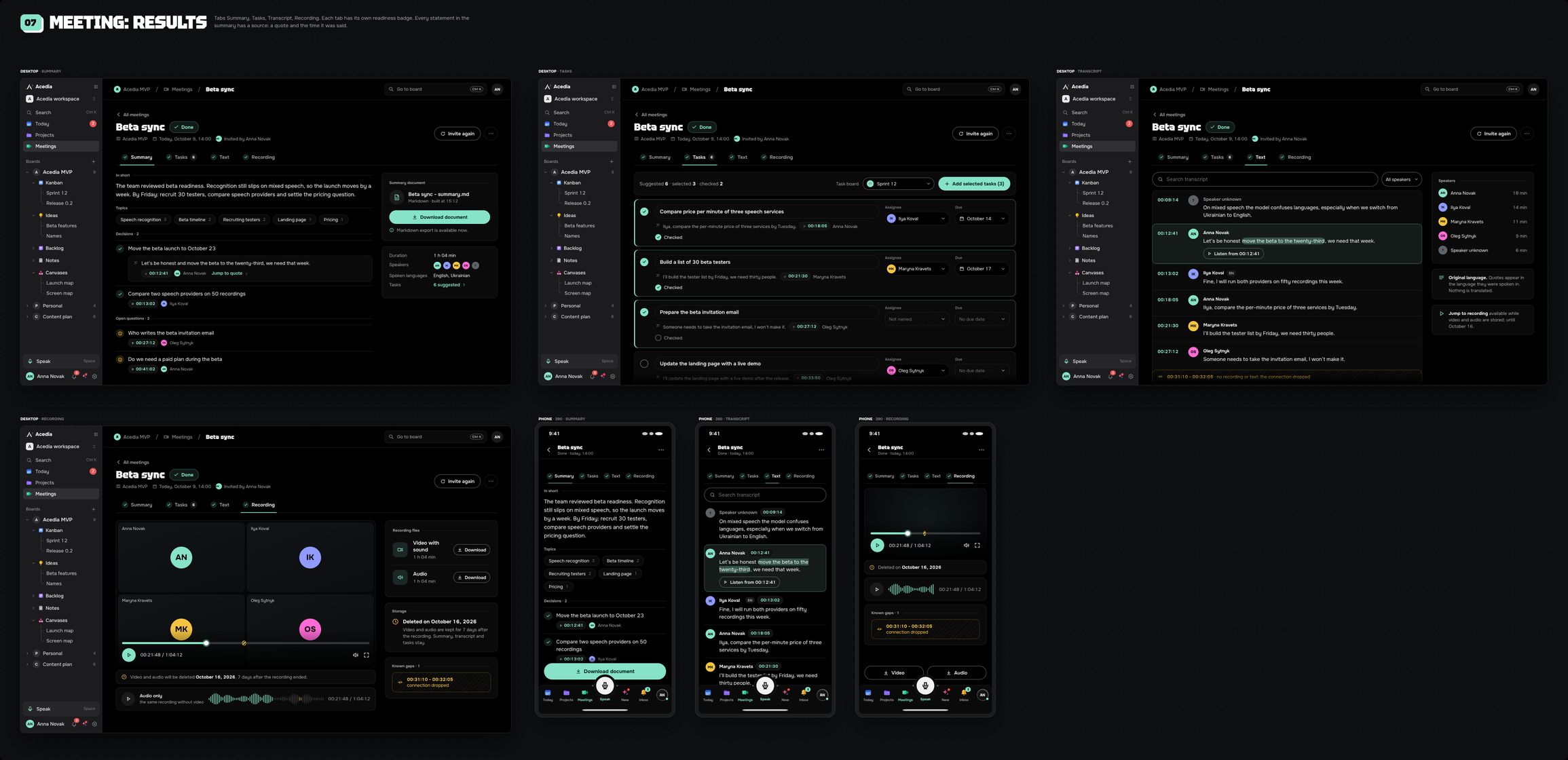
Every state on one sheet. Scroll sideways.
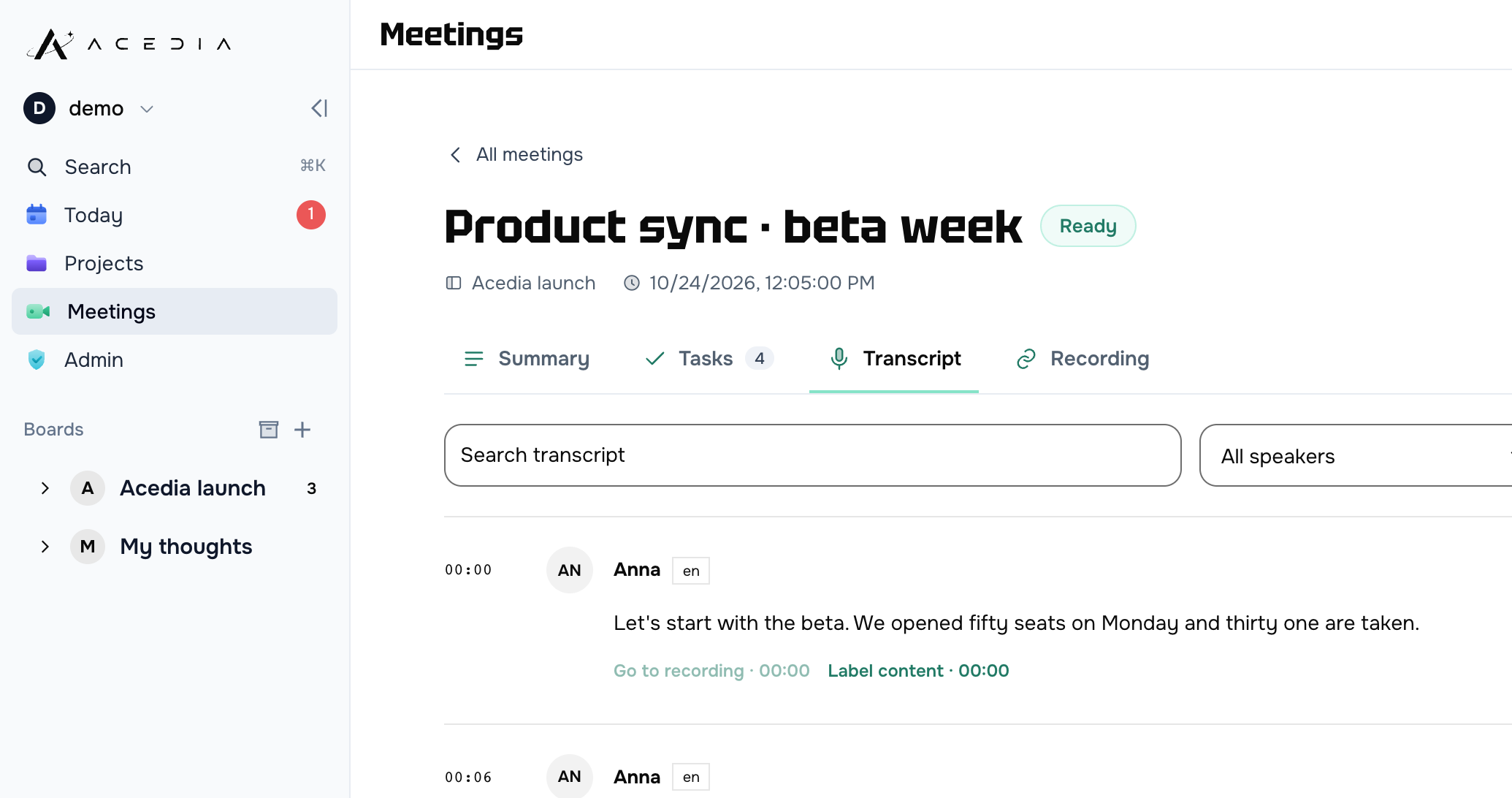
What you said, what lands on the card
„by friday“FRI 31.07 · 09:00
„tomorrow at eight“31.07 · 08:00
„within three days“02.08 · 09:00
„sometime later“no deadline
„should get to this“no deadline
The rules we gave it
- A date keeps the phrase it came from, or the server refuses it.
- Doubt is flagged on the card instead of being smoothed over with nicer wording.
- Numbers, dates and names are never swapped for vague words.
- A failed transcription never deletes your audio, and re-processing never doubles the cards.
What Acedia can do
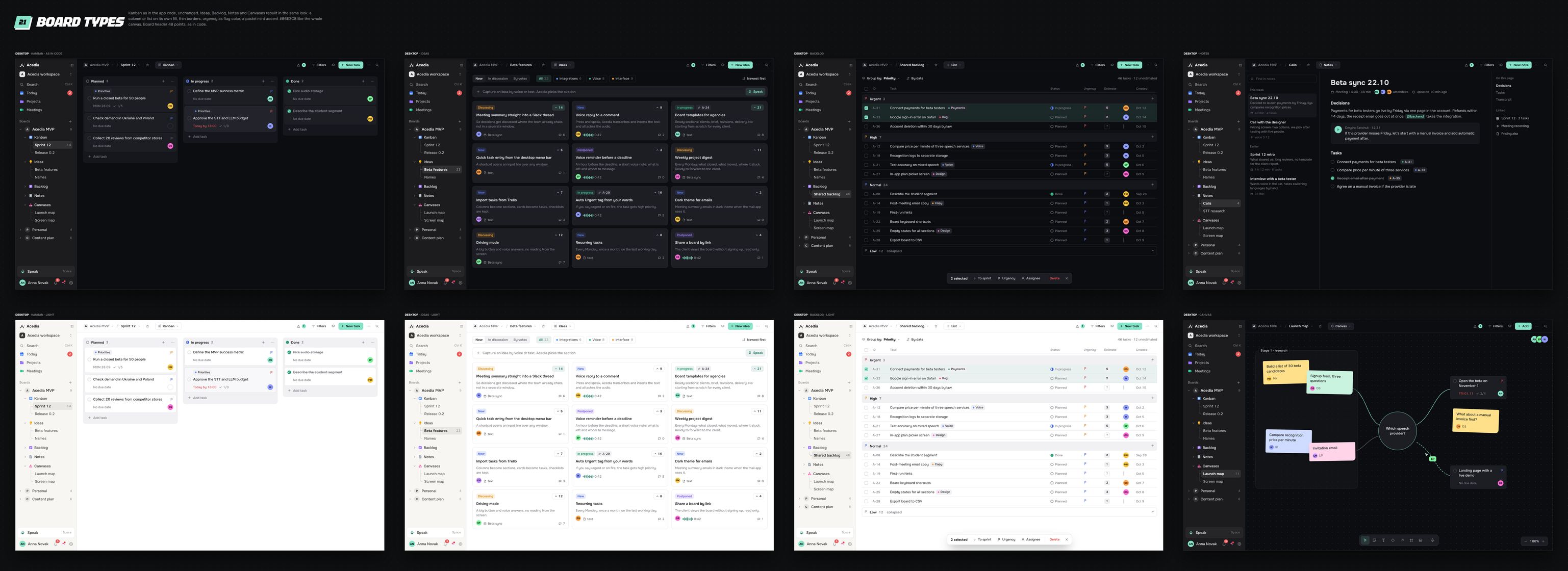
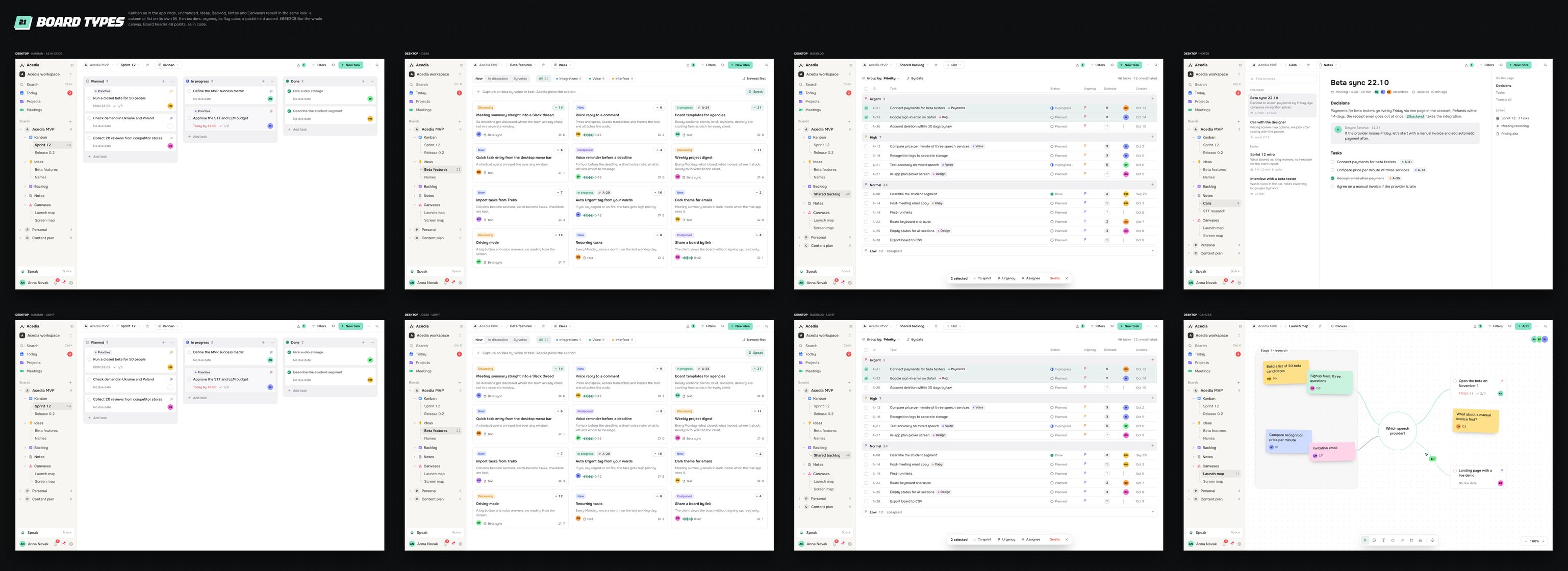
A new project opens with five sections. Rename them, add your own, move cards between them.
Four levels, and not everything gets “critical”. The level shows in the folded corner and in words, not in colour alone.
Three questions at most, and only when the cards would fall apart without the answer. It does not argue about your wording.
“By Friday”, “tomorrow at eight”, “within three days” – all understood. A date is never invented from the general gist.
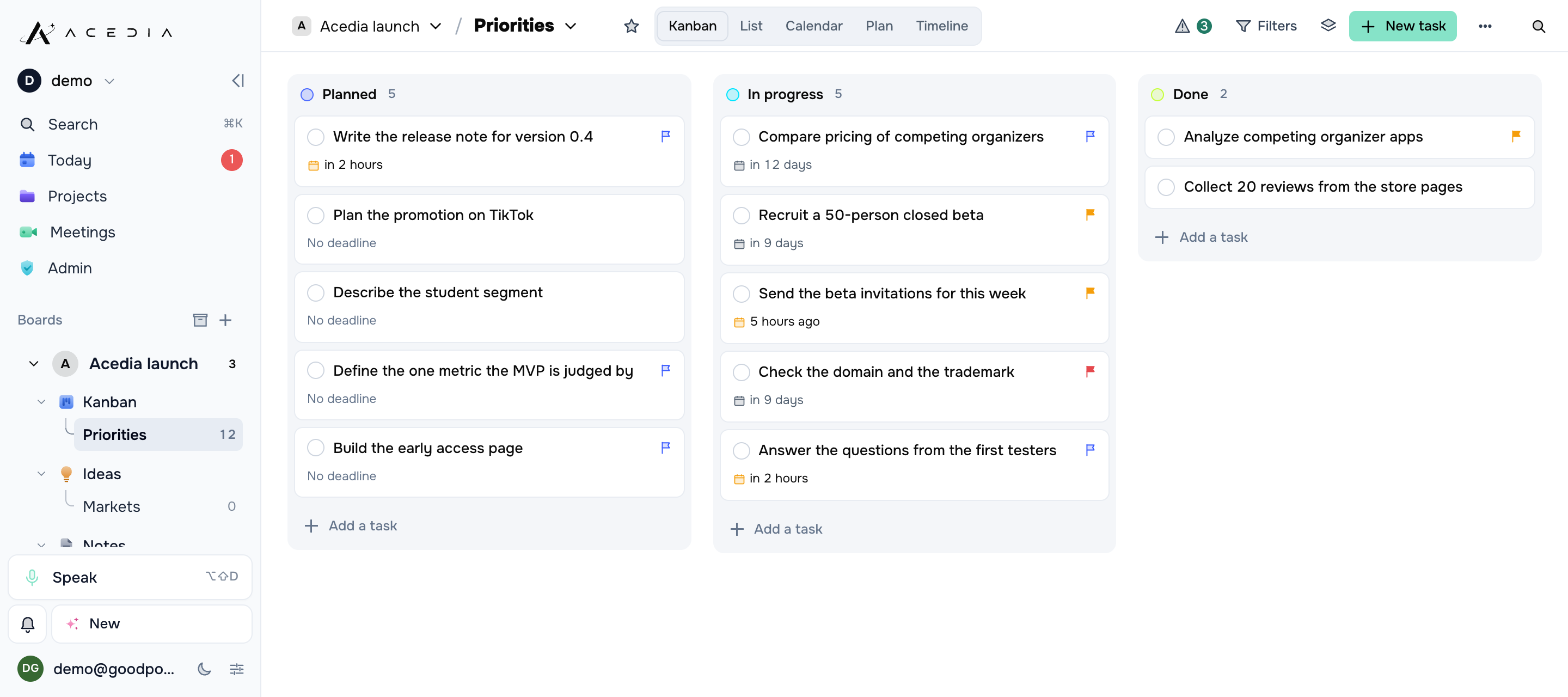
Sections as tabs, statuses as columns. Drag and drop, filters, sorting, completed cards out of sight.
A day before, and again when it is due. No time named means 09:00 in your own zone. Push and in-app.
Every card keeps the recording it came from and the original transcript. Or drop both and keep the cards.
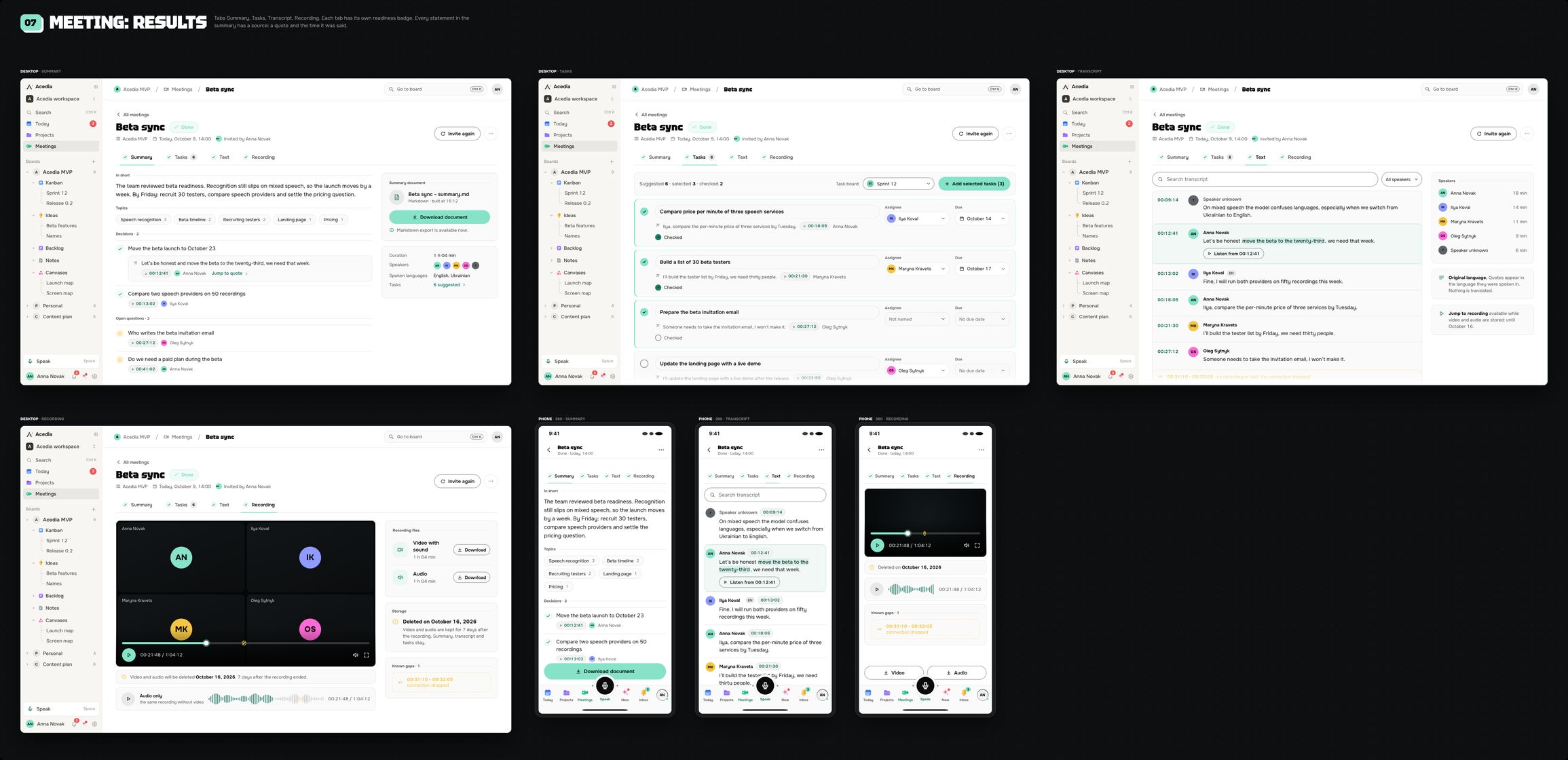
Paste the link: it comes in under its own name, records the call and writes the transcript with speakers and timestamps. Video, audio only or text – whatever that board allows.
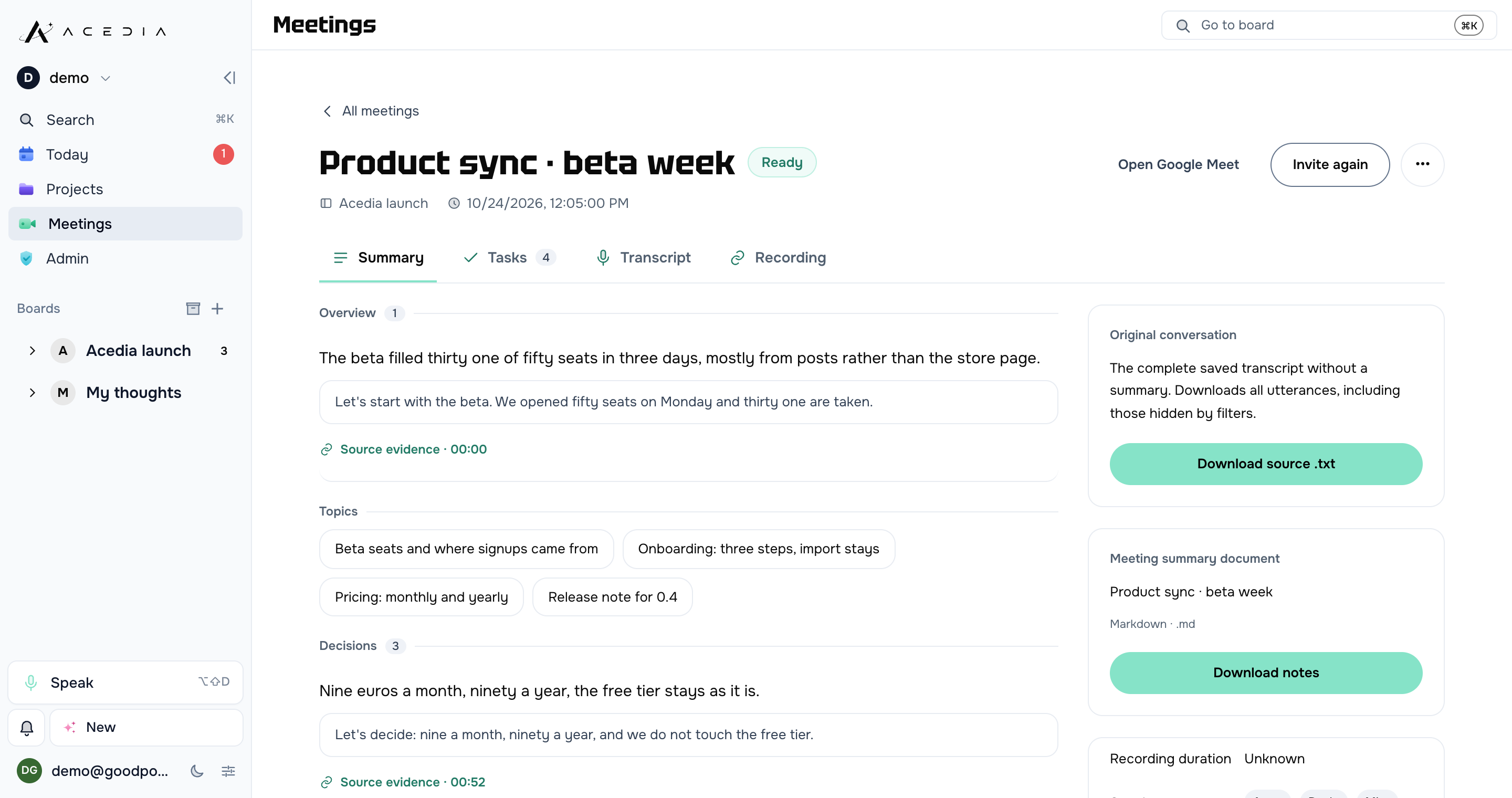
After the call: the topics, the decisions, the open questions – every one quoting the sentence it came from. Tasks are only suggested; a person picks which ones become cards.
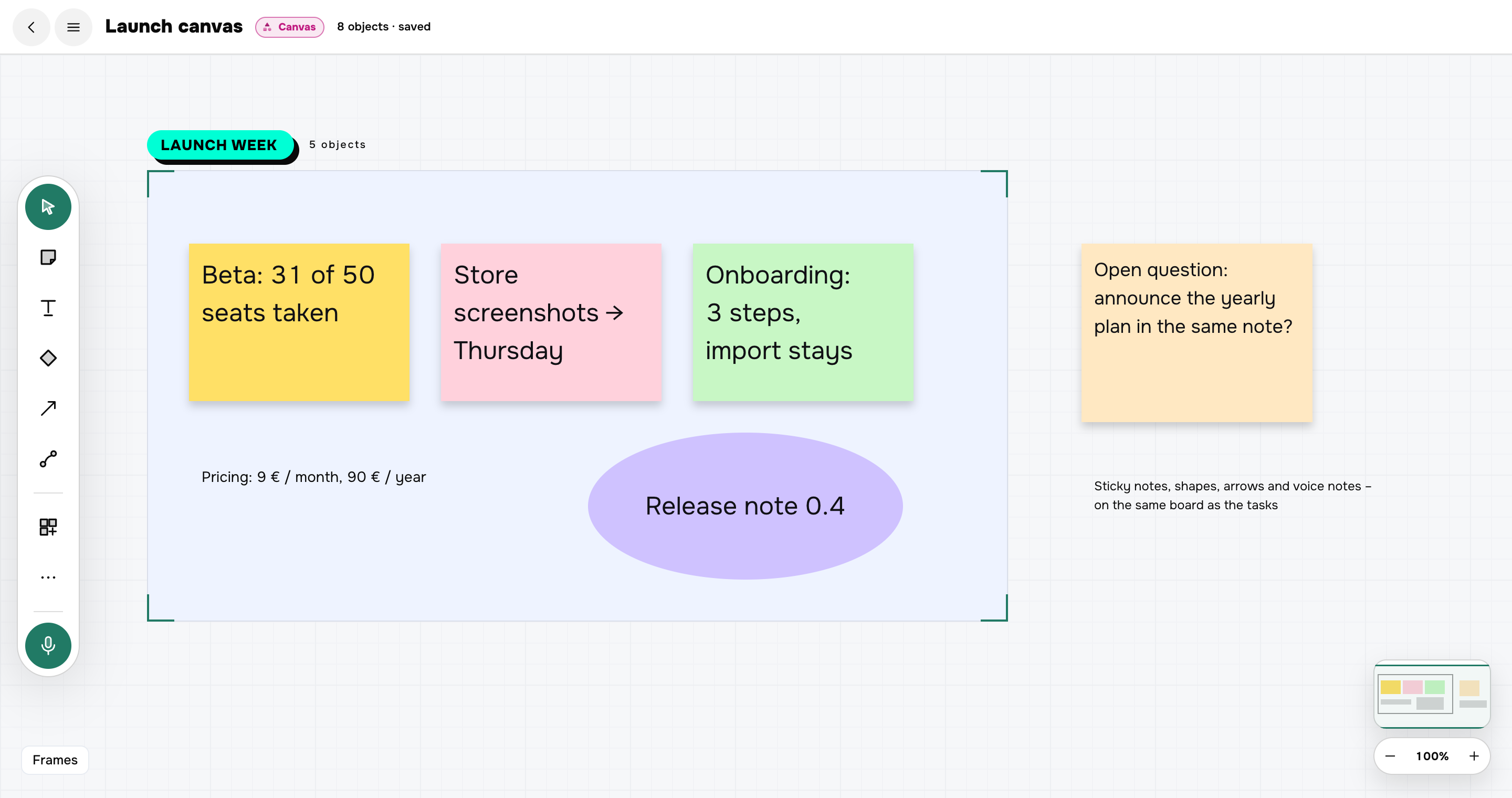
Sticky notes, text, shapes, arrows, frames and voice notes on one board, in the same project as the tasks. Everything saves as you move it.
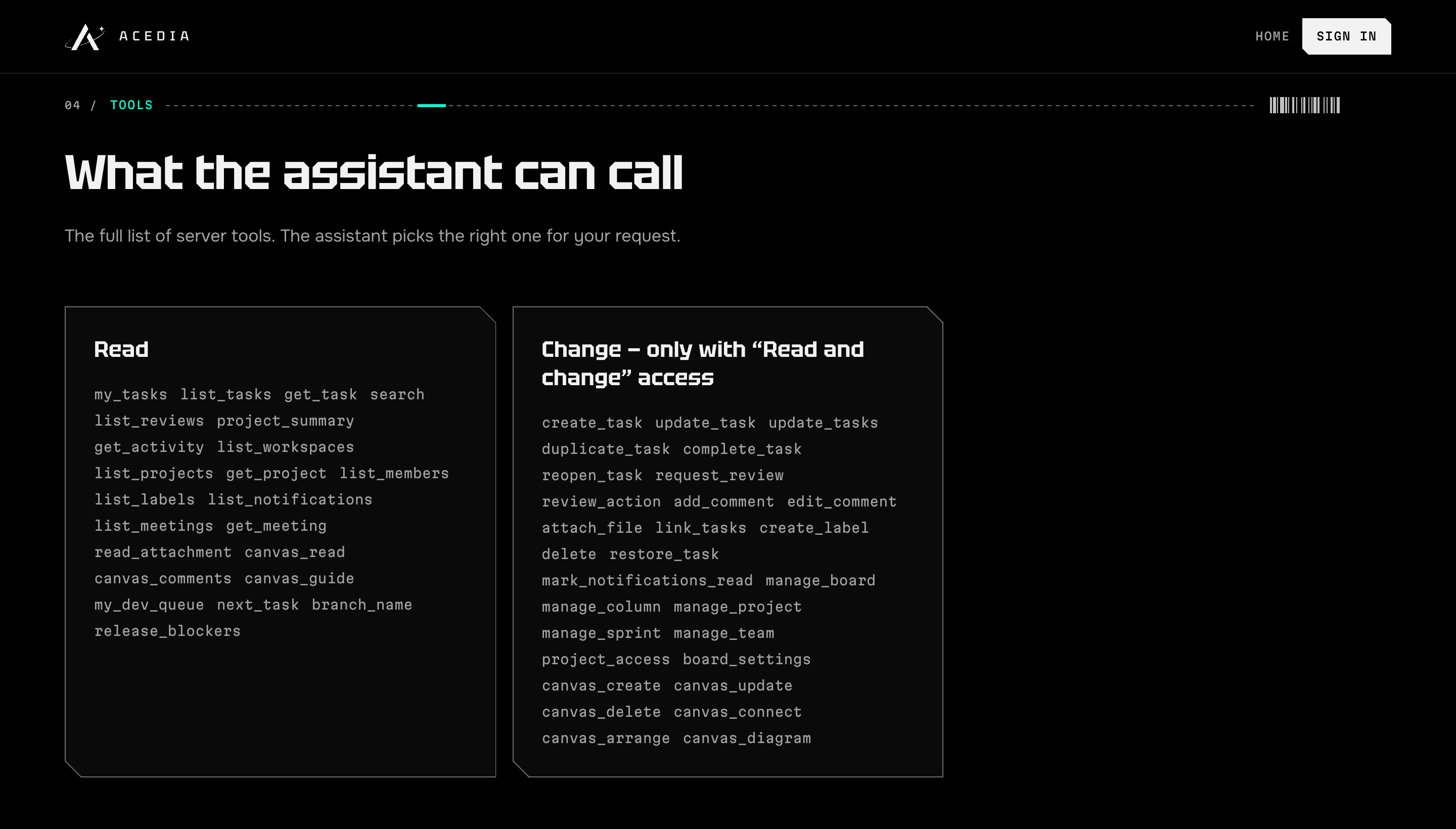
Connect Acedia as an MCP connector: the assistant sees what is due, creates and closes tasks, writes on the canvas – with read-only or full access, your choice.
It outgrew the organizer
- Boards, statuses and sprints for a whole team
- GitHub: issues and pull requests shown on the card
- Workspaces, groups and roles
- Search, saved views and rule-based automations
- A desktop app for Mac
- Runs in the browser, installs to the home screen, survives a lost connection
- Three interface languages: English, Ukrainian, Russian
More work
See all work
Your project next.
Tell us what should happen and who it is for. A short brief takes three steps, and the answer comes within a day – from the people who would build it.